Passport and Visa Photo Maker
Create photos for passport renewal, visa applications, green cards, residence permits, work permits, student visas, and other official IDs.

Upload a selfie or portrait and turn it into a passport, visa, or ID photo with the correct size, crop, and white background. Download digital passport photos and an optional 4x6 layout file; print on 6 inch photo paper yourself and trim as needed.
Free preview, AI background cleanup, digital download, and optional 4x6 layout for self-printing

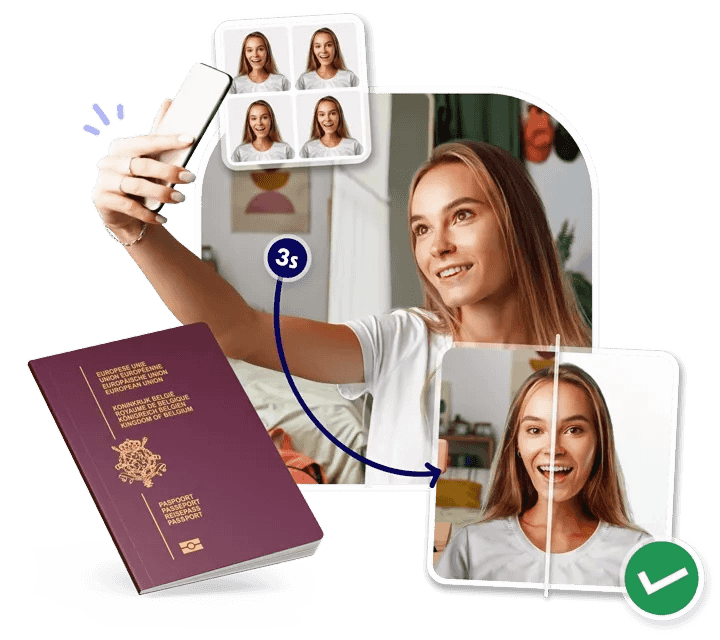
Create passport-size photos from home. The tool crops your face, adjusts the background, and prepares downloadable digital files for online applications, email submission, or self-printing.
Generate common passport photo sizes including US passport photo 2x2 inch, UK passport photo 35x45 mm, EU photo sizes, visa photos, and custom ID formats.
Remove distracting backgrounds, center the head, and prepare a clean passport-style image with balanced lighting and clear face visibility.
Download a single digital passport photo for online forms or a 4x6 layout file with multiple copies for your own 6 inch photo-paper printing and trimming.
People search for different outputs: digital passport photos, visa photos, printable passport photo sheets, ID photos, and country-specific sizes. This page is built around those jobs.
Create photos for passport renewal, visa applications, green cards, residence permits, work permits, student visas, and other official IDs.
Replace a room or wall background with a plain passport-style background and reduce common photo booth problems like shadows and clutter.
Switch between popular standards such as US 2x2 passport photo, UK 35x45 mm passport photo, Schengen visa photo, and custom ID photo sizes.
Download a 4x6 layout file with multiple copies. Use 6 inch photo paper, print at actual size, then cut the photos yourself.
Preview the crop, head position, and background before downloading your final photo, which helps catch avoidable mistakes early.
Get a digital file for online applications plus a 4x6 layout file you can print yourself when a passport office or visa center asks for paper photos.
The same simple flow users search for in online passport photo makers: upload a photo, choose the document size, then download a compliant digital photo or optional 4x6 layout file.
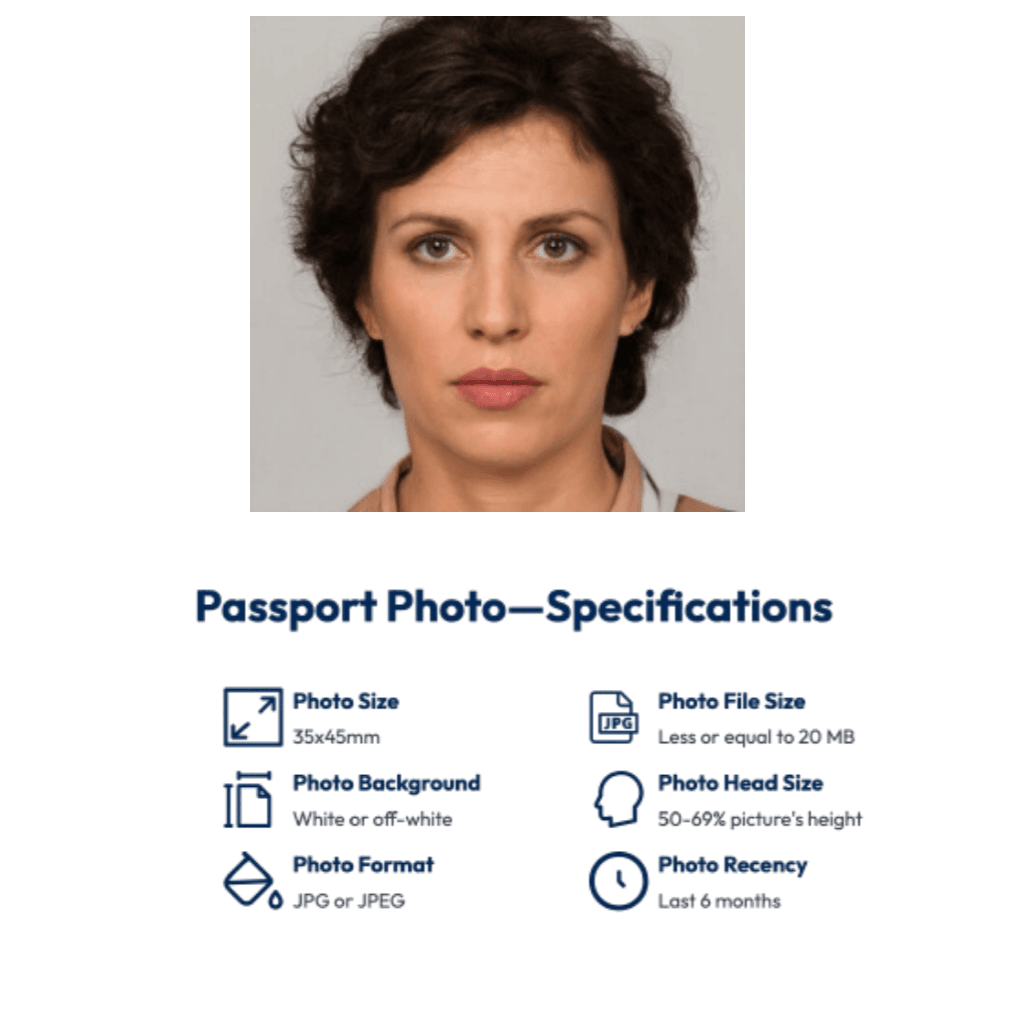
Start with a recent front-facing photo. A smartphone picture works well if your face is sharp, evenly lit, and visible from hair to shoulders.
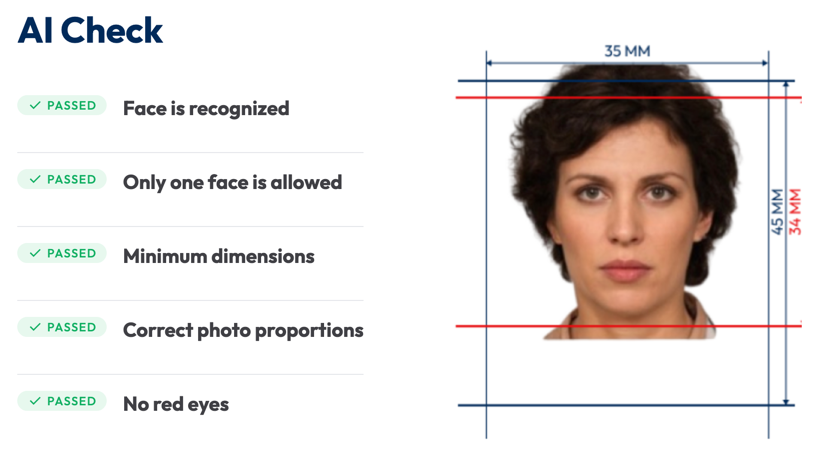
Select a document type such as US passport photo, UK passport photo, Schengen visa photo, green card photo, baby passport photo, or a custom size.
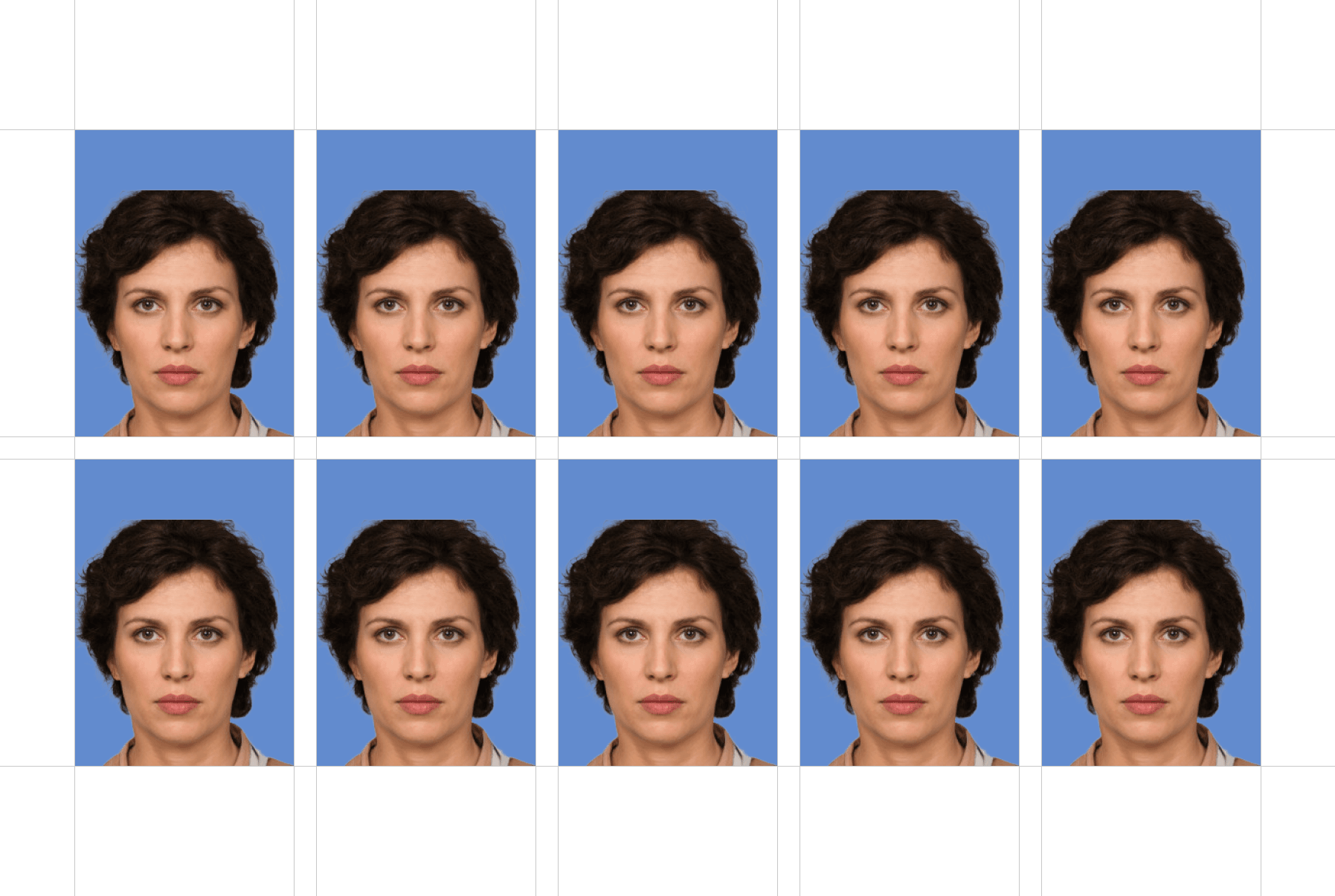
Get a digital passport photo for online submission plus an optional 4x6 layout file. Print it yourself on 6 inch photo paper at 100% scale, then trim as needed.
Built for common passport photo searches: US passport photo 2x2, 35x45 mm visa photos, green card photos, baby passport photos, digital passport photos, and 4x6 layouts for self-printing.
Make a US passport photo online with a 2x2 inch size, white background, centered face, and downloadable 4x6 layout file.
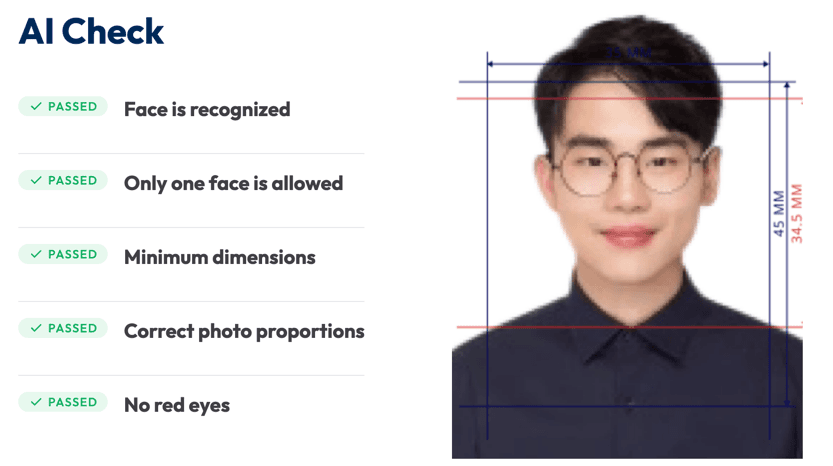
Create 35x45 mm passport and visa photos for UK, EU, and many other document applications.
Prepare visa photos for Schengen, US visa, Canada visa, student visa, work permit, and travel document applications.
Download a 4x6 passport photo layout with multiple copies. Print it yourself on 6 inch photo paper at actual size and trim.
Upload a photo, choose the passport or visa size, and download digital files or an optional 4x6 layout for self-printing in minutes.
Answers to the high-intent questions people search before making a passport, visa, or ID photo online.
Yes. Upload a selfie or portrait, choose the passport or visa photo size, preview the crop and background, then download a digital passport photo or printable sheet.
Yes. Take a front-facing photo with even lighting, a neutral expression, and a plain background. The tool can crop, resize, and clean up the background for common passport and visa formats.
A common US passport photo size is 2x2 inches. The photo should have a centered face, plain white or off-white background, and enough room around the head and shoulders.
35x45 mm is a common passport and visa photo size used by the UK, many EU countries, and other document applications. Always choose the exact document type before download.
Yes. You can create visa photos for common applications such as Schengen visa, US visa, Canada visa, student visa, work permit, and other travel documents.
Common rejection reasons include the wrong size, poor crop, shadows, uneven lighting, low resolution, visible accessories, glasses, smiling, and printing the photo at the wrong scale.
Yes. Download the 4x6 layout file, print it yourself on 6 inch photo paper at actual size, and avoid printer settings such as fit to page or automatic scaling.
Use the downloaded 4x6 layout file with multiple correctly sized copies. Print on 6 inch photo paper at 100% scale, then cut the photos yourself. Do not select 'fit to page'.
Yes, if the selfie is sharp, front-facing, evenly lit, and not distorted by a wide-angle lens. Leave enough space around your head so the tool can crop it correctly.
Many passport and visa photos require a white or light plain background. Requirements vary by country, but a clean background with no shadows or patterns is usually safest.
Yes. Upload the clearest front-facing baby photo you have, then use the passport photo maker to crop and size it. Baby photos often have more flexible expression rules, but the face still needs to be clear.
You can download a digital passport photo for online applications and an optional 4x6 layout file for self-printing. We do not provide a physical printing service.